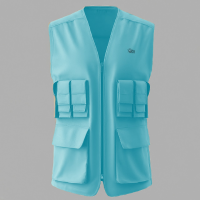
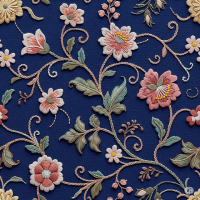
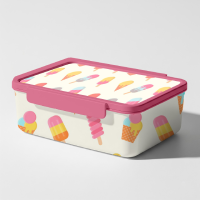
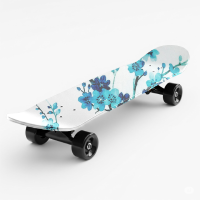
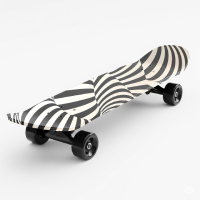
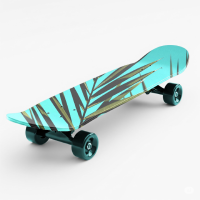
A free skateboard mockup PSD is a digital medium that a designer utilizes to display artwork, branding, or custom illustrations on some realistic skateboard surface. Mockups are created in high resolution with other detailed elements such as deck textures, wheels, and shadows to make them look genuine. They serve to give visual-treatment to design so that it can be appealing in portfolios, product previews, or client presentations.
These PSD mockups would usually have Smart Object layers wherein a user could drag-and-drop his or her artwork within a couple of clicks after which the featured artwork immediately morphs into the shape and perspective of the skateboard. Thus, mockups seriously reduce the pre-visualization workflow while retaining the professional output for users who do not even have advanced editing skills. Other mockups offer multiple angles or styles of boards depending on different presentation needs.
Apart from time-saving, this free skateboard mockup helps designers visualize a design in an authentic sense before it goes the whole way for physical production. It provides an excellent solution for designers working on branding, streetwear graphics, or any custom merch. Owing to its visual realism and high level of customizability, the mockups have become the go-to resource for creative professionals involved in action sports and design industries.
Apart from time-saving, this free skateboard mockup helps designers visualize a design in an authentic sense before it goes the whole way for physical production. It provides an excellent solution for designers working on branding, streetwear graphics, or any custom merch. Owing to its visual realism and high level of customizability, the mockups have become the go-to resource for creative professionals involved in action sports and design industries.
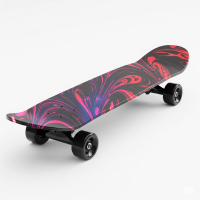
How to use this mockup
- Click on the download button below.
- Another page opens up
- Click on the blue button which tells "Download Now" on the right side
- After downloading, double click and open the file in Adobe Photoshop
- Double click on the thumbnail of layer 1
- It opens as another document inside photoshop
- Delete all other layers except layer 1
- Place your artwork in a layer above layer 1
- Save your document
- Come back to the original document
- Skateboard mockup is updated with the artwork that you placed.
-
Goto File -> Export -> Export as and export your psd in the desired format you want.